Stocks · Lesson 5 of 15
Brokers, Tools & Software
Slide 1 / 7
Level: Beginner · About 12 min · 7 slides
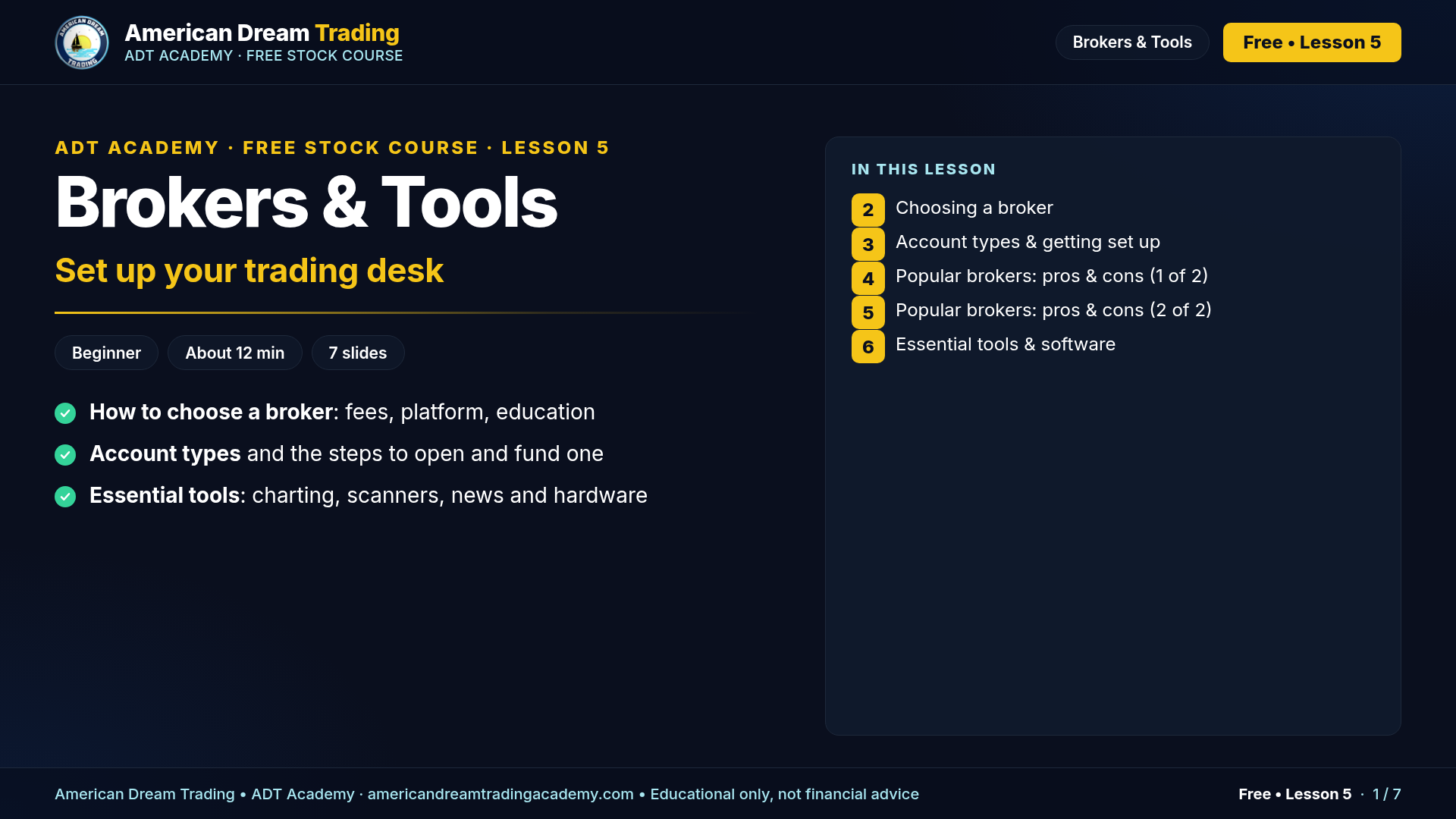
Your broker executes your trades, so choose one with the fees, platform and support you need. Pick the platform that fits you; ADT lessons show examples from several, for example Webull, thinkorswim, TradeStation or TradingView. This lesson compares popular brokers, covers account types and the opening steps, and lists the tools traders use.
🔑 Key takeaways
- $0 stock/ETF commissions have been standard since 2019. Watch options contract fees.
- SIPC protects up to $500,000 per customer (incl. $250,000 cash) if a broker fails, not market losses.
- No single broker is required. Examples in ADT lessons use platforms such as Webull, thinkorswim, TradeStation and TradingView.
- Practice on the simulator / paper account before funding live.
- Tool prices and broker features change. Check before you buy.
✅ Your homework
- Compare two brokers' options fees and extended-hours times.
- Open a paper trading account on the platform you choose (for example Webull, thinkorswim, TradeStation or TradingView).
- Set up a chart with the 9/21/55 EMA, VWAP and volume (see Lesson 9).
- Plan your setup: monitors, internet and a backup device.
📎 Resources
- SIPC: what SIPC protects (sipc.org)
- FINRA BrokerCheck (brokercheck.finra.org)
- TradingView (tradingview.com)
- ADT Academy: https://americandreamtradingacademy.com